Credits
- Code — NoRecess
- Engine — CPCEC, by Cesar Nicolas-Gonzalez
Credits as they appear in the release.
Note: cpcec-gtk is an abandoned project. It is no longer developed, and no support comes with it. What follows describes it as it was left, in 2022.
cpcec-gtk is an Amstrad CPC, Plus and GX-4000 emulator for Debian-based Linux — Debian, Ubuntu, Pop!_OS and their relatives. The emulation itself is CPCEC, the accurate core written in C by César “cngsoft” Nicolás-González and published under the GPL v3; everything around it — the GTK3 interface, the debugging windows, the packaging and the documentation — is mine, written between 2021 and 2022 on top of the January 2022 build of that core. The whole project, the core included, is on Bitbucket.
It exists for one reason: to have, on Linux, an emulator a CPC programmer can work inside rather than beside. A file that changes on disc is reloaded and restarted on its own, so a toolchain that rebuilds a .dsk puts the new build on screen without a keystroke; the symbol files rasm produces are read, so the disassembly reads in the names the source used; and the whole debugger opens the moment emulation is paused.
What it does
- runs
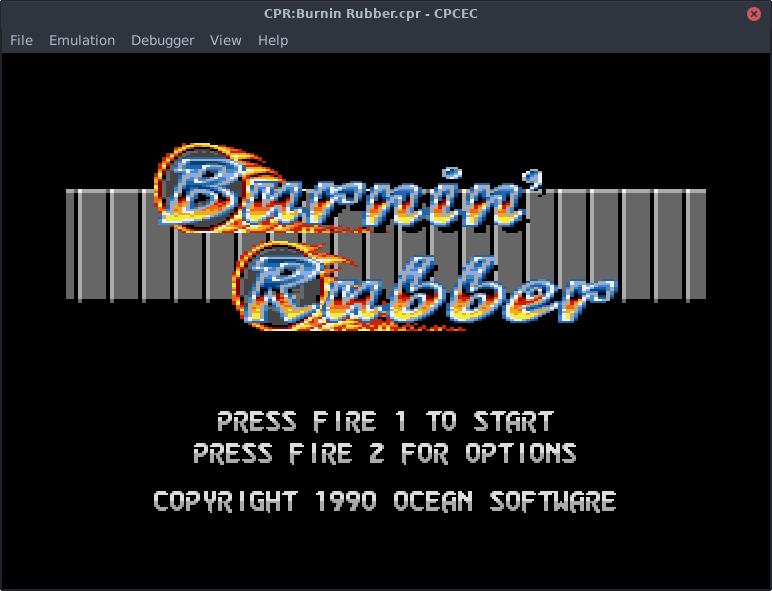
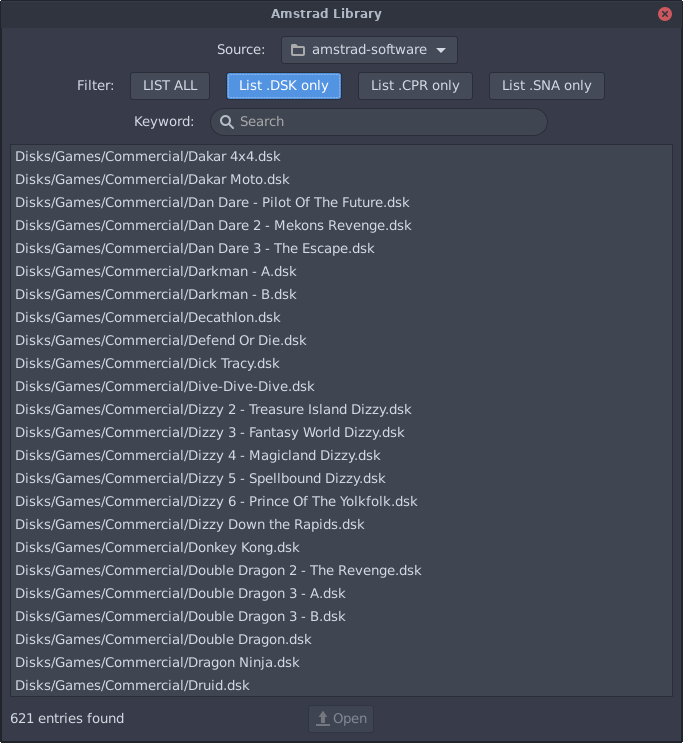
.dskfloppy images,.cprcartridges for the Plus and the GX-4000, and.snasnapshots, and switches to a Plus machine on its own when a cartridge is inserted - opens a file by drag and drop, from the menu, or out of a software library it indexes recursively and filters by extension or by a few letters of the name
- reloads and restarts an inserted file the moment its content changes on disc
- drives two disc drives, and creates an empty
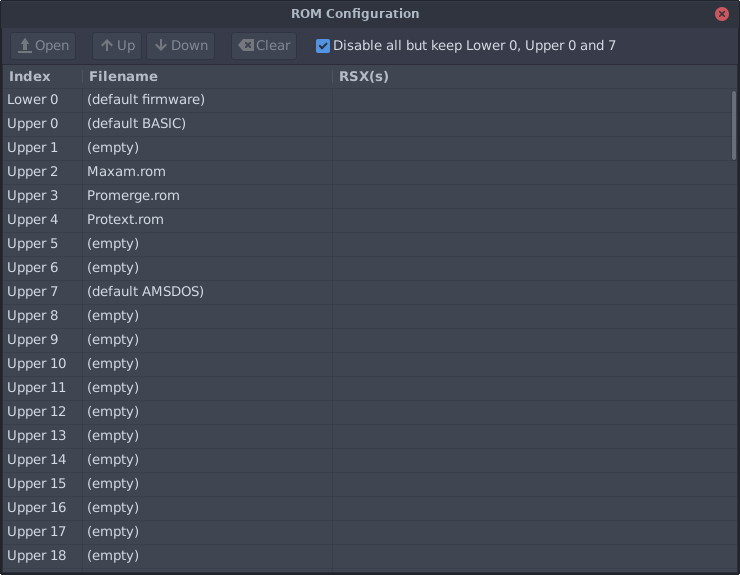
.dskfrom scratch - manages the internal ROMs, lower and upper 0 to 127, listing the BASIC RSXs each one carries and letting them be reordered
- reads the symbol files rasm writes, both label symbols (
-sz) and ROM labels (-er) - takes external game controllers, plugged or unplugged while it runs, and offers a virtual joystick on the arrow keys for anyone without one — with the key-override behaviour of a real Amstrad keyboard
- answers
ALT+0..9for the numeric keypad a laptop does not have, andALTfor the Amstrad COPY key - zooms the window, holds a 1:1 pixel ratio, and can show the parts of the CRT monitor a program means to keep out of sight
- saves screenshots as
.pngand snapshots as.sna, mutes, pauses, and runs at 1x or 4x - keeps window positions, library path, last files and mute setting in
~/.config/cpcec-gtk/config.ini
Every emulated machine starts with a 512 KB memory expansion, except the GX-4000, which gets the 64 KB it shipped with.
The debugger
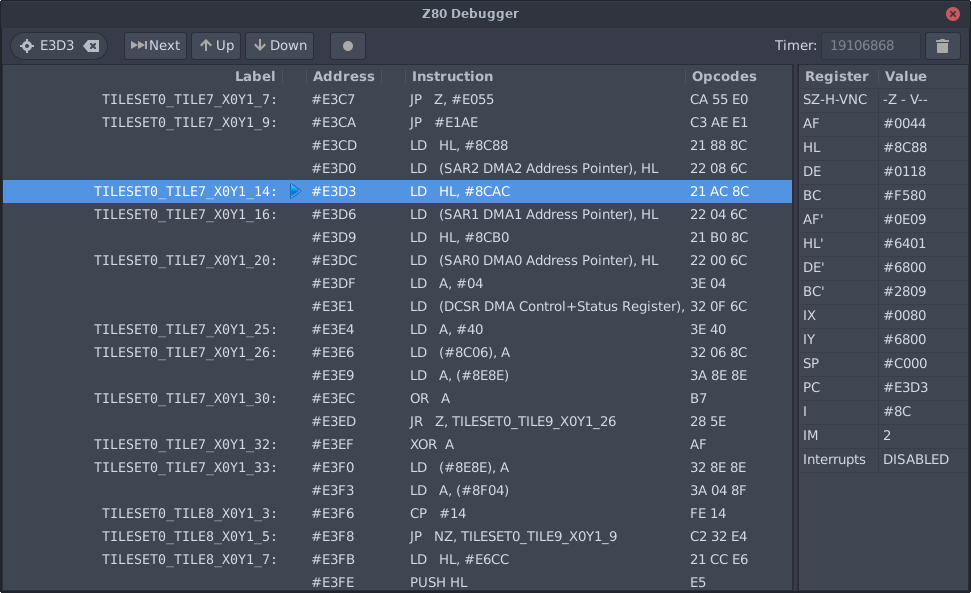
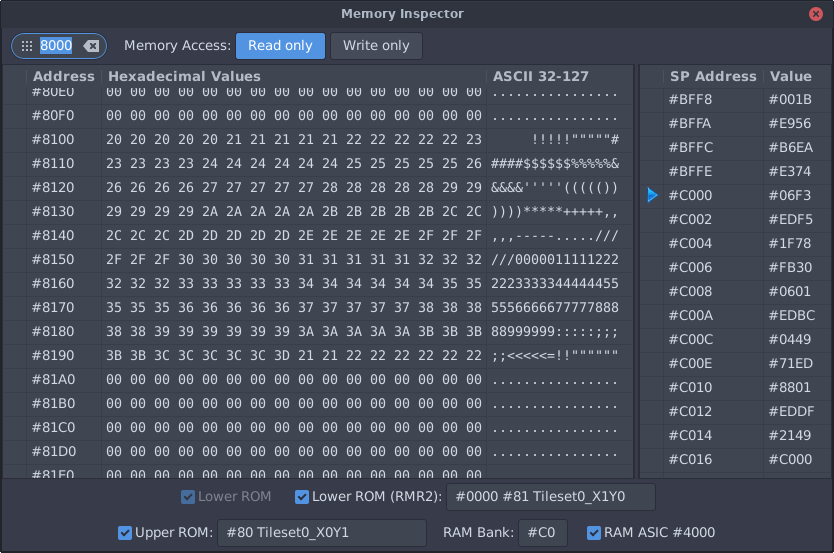
Pausing the emulation opens the debugging windows; esc closes them all and carries on, space steps one Z80 instruction. The Z80 window shows the disassembly, the registers and the stack, takes breakpoints on B, resets the NOP counter on T, disassembles from any address asked of it, and understands the ED FF opcode as a breakpoint written into the code itself. The memory inspector reads the memory as it stands, switches between READ and WRITE values, and reports the Gate Array and ASIC configuration underneath — with the ROM labels when a symbol file supplied them.
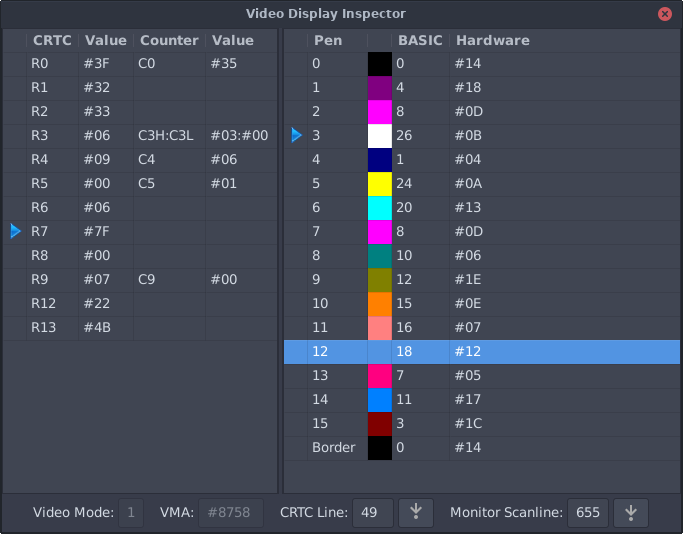
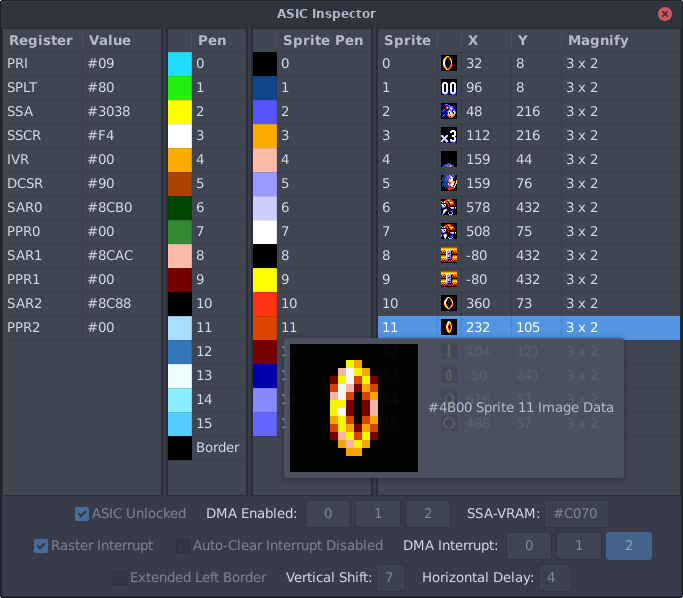
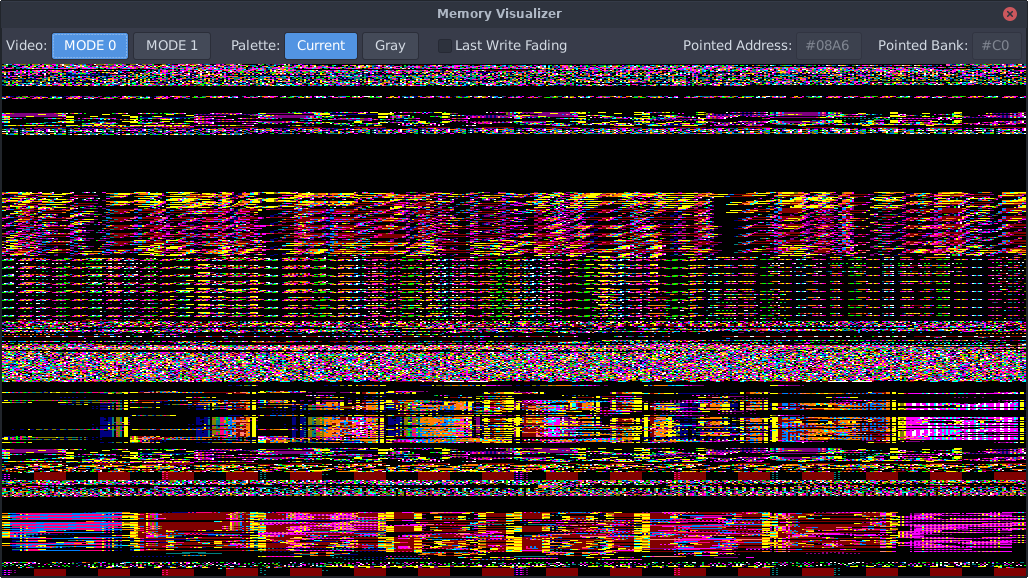
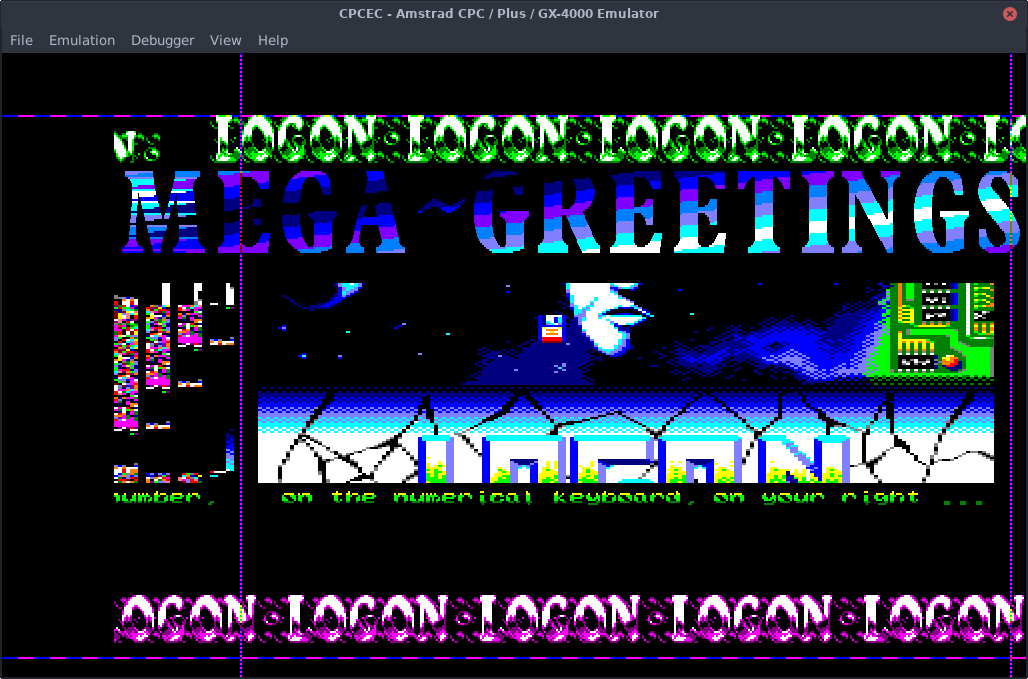
The video display window is for racing the beam: it gives the current mode and video memory address, and its CRTC line and monitor scanline fields are interactive — type a value, press the arrow beside it, and emulation runs on until that line is reached. On a Plus or a GX-4000 an ASIC window lists the registers, with sprite previews and bit descriptions in the tooltips. The memory visualiser draws one pixel per byte of the main 64 KB and the first four banks, refreshed at every VSync, in MODE 0 or 1 and in the program’s own palette or in grey — and a last write fading mode shows only the writes, the older frames fading to black.
Screenshots
Installing it
sudo apt install libsdl2-2.0-0 libgtk-3-0, then sudo dpkg -i cpcec-gtk.deb; sudo apt
purge cpcec-gtk takes it away again. The binary goes to /usr/bin, its resources — the Amstrad ROMs, the documentation — to /usr/share/cpcec-gtk/, and nothing is left anywhere else.